Stream Your Music Library
Free, open source music streaming for iOS and Android. Connect to your Subsonic-compatible server and enjoy your collection anywhere, even offline.





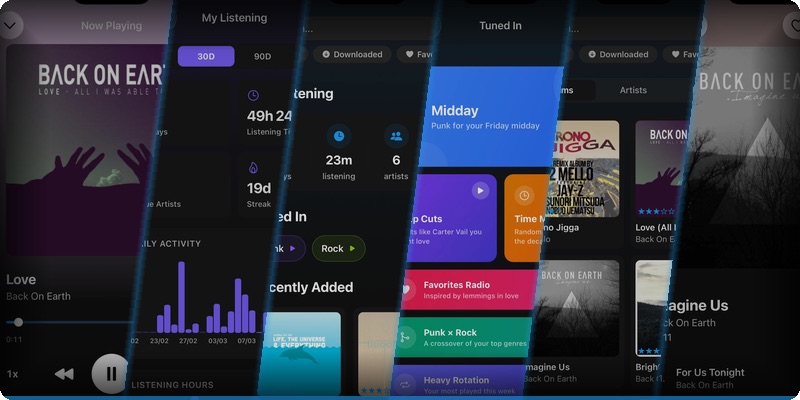
Free, open source music streaming for iOS and Android. Connect to your Subsonic-compatible server and enjoy your collection anywhere, even offline.
Everything you need to enjoy your music library on the go.
Keep your music playing while you use other apps. Full lock screen and notification controls, adjustable playback speed, shuffle and repeat modes.
Download albums and playlists with background queue and automatic recovery. Auto offline mode when you leave your network, configurable storage limits and download quality.
5-star ratings for songs, albums, and artists synced with your server. Dedicated favorites view with filtering and automatic sync of downloaded favorites.
Automatic scrobbling with offline support — scrobbles queue locally and submit when you reconnect. Listening history, activity heatmaps, top artists, albums, and songs by play count, most active hours, and listening streaks. Scrobble exclusions let you hide specific albums or artists so one-off plays like ambient sounds or kids' music don't skew your stats or recommendations.
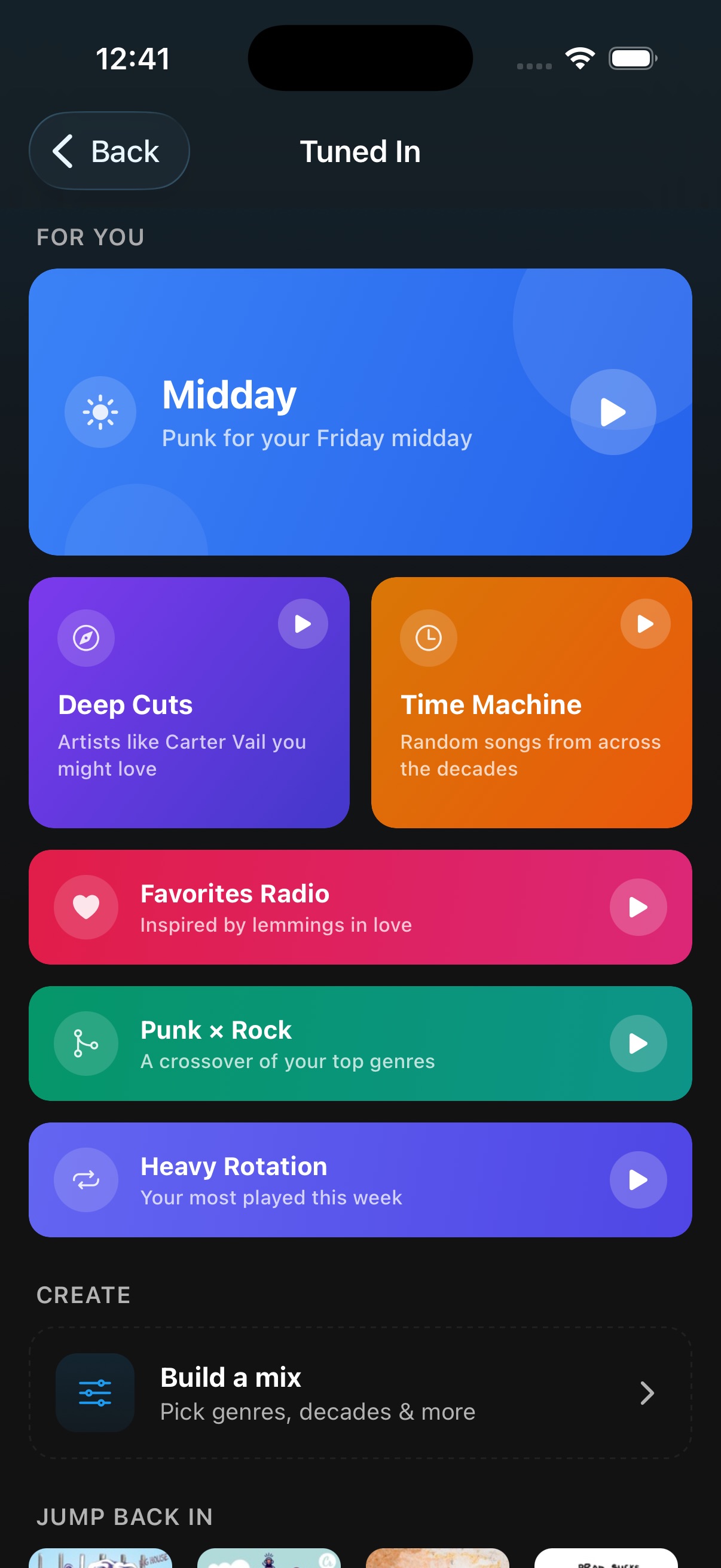
Personalised smart mixes powered by your listening history. Time-of-day playlists, deep cuts from similar artists, decade time machines, favorites radio, genre blends, and a custom mix builder — all generated from your own library.
Quick search access on any main screen. Full search across your entire library, automatically switching to downloaded content when offline.
Add songs to any playlist or create new ones on the fly. Reorder tracks, save artist top songs or your current queue as a new playlist.
Share albums or playlists with configurable server address override, quick copy to clipboard, and full share management in settings.
A beautiful landscape-optimized UI designed to make the most of larger screens. Multi-pane layouts, expanded album art, and spacious controls for a rich, immersive experience on tablets.
Light, dark, and system theme modes with custom accent colors. List and grid layout toggles and alphabetical quick-scroll for large libraries.
Browse, refresh, or remove cached metadata, images, downloaded music, and scrobble history. Full visibility into everything stored on your device.
Listening history, MBID overrides, and other local data are automatically included in your device's native cloud backups so nothing is lost.
Extend Substreamer with powerful server-side tools.
AI-powered playlist generation for your self-hosted music library. When enabled on your server, the "Play more like this" option on any song and "Play similar artists" on any artist leverage AudioMuse-AI's sonic analysis to deliver smarter, more relevant recommendations — all generated locally from your own library with no external APIs.
Learn more →A quick look at Substreamer in action.
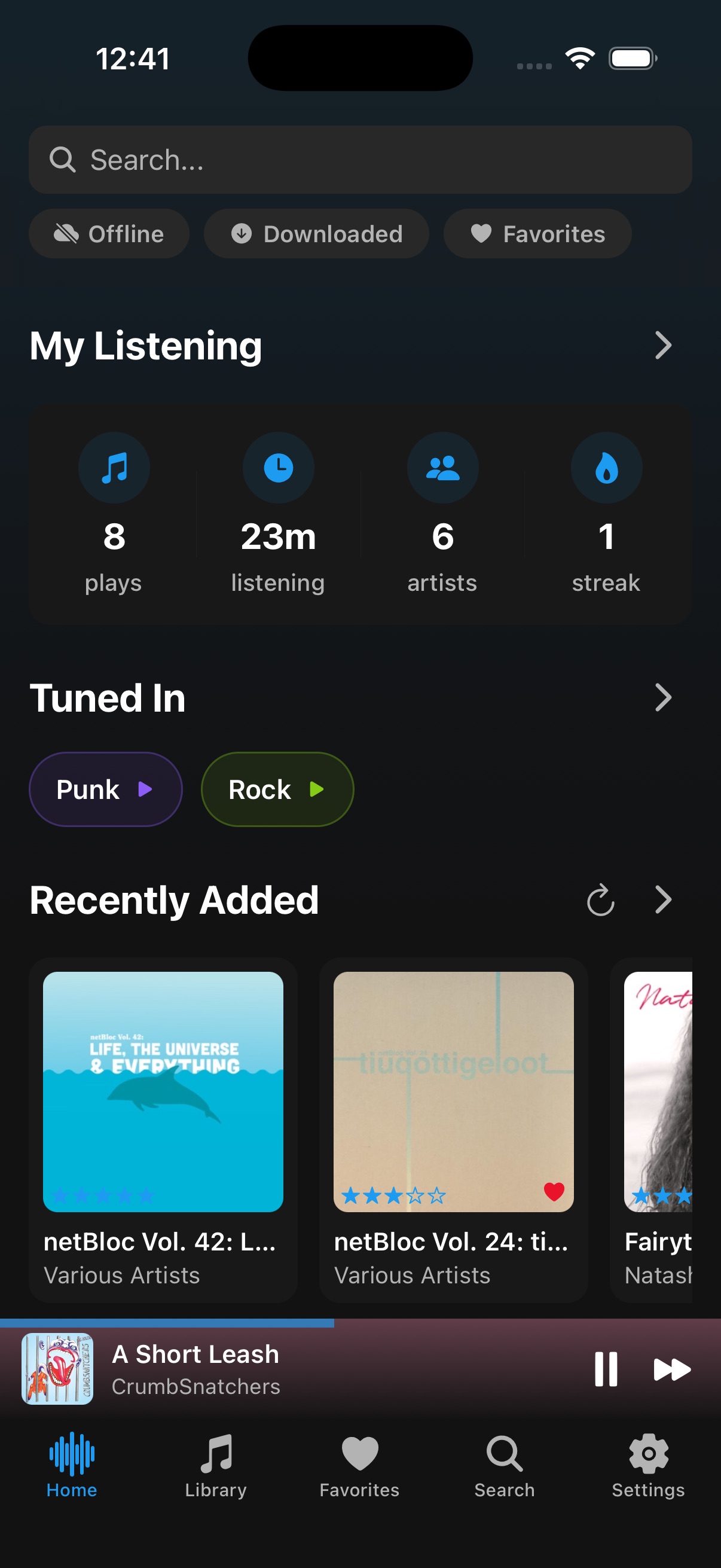
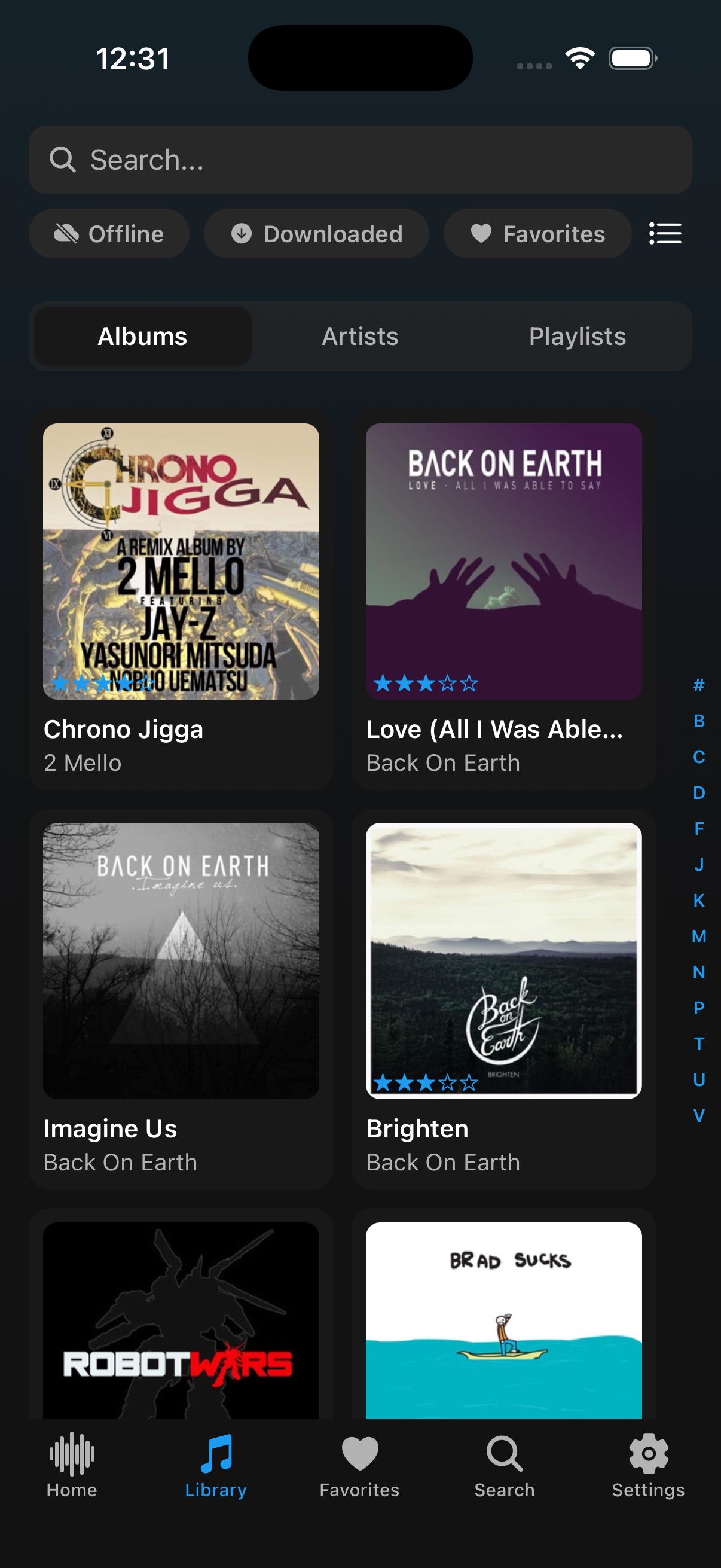
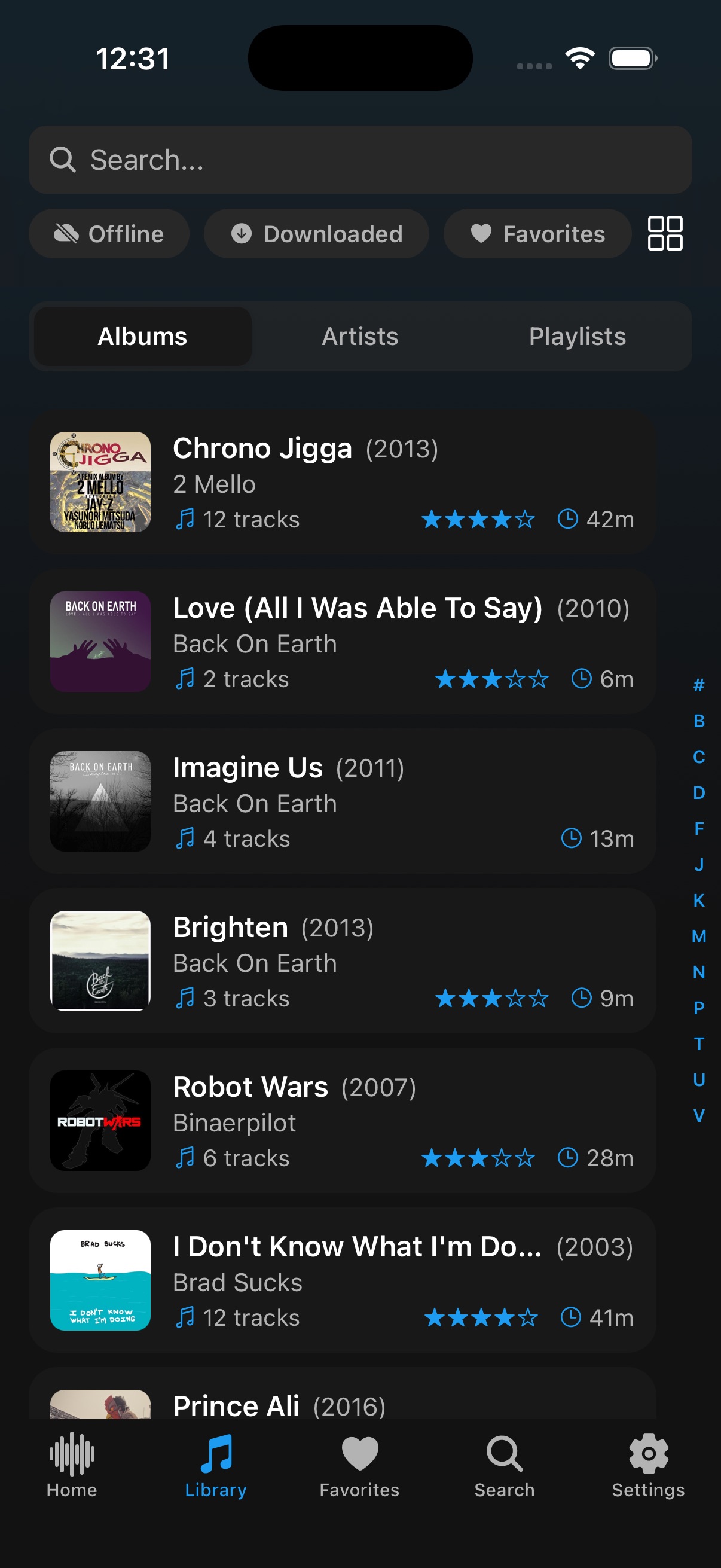
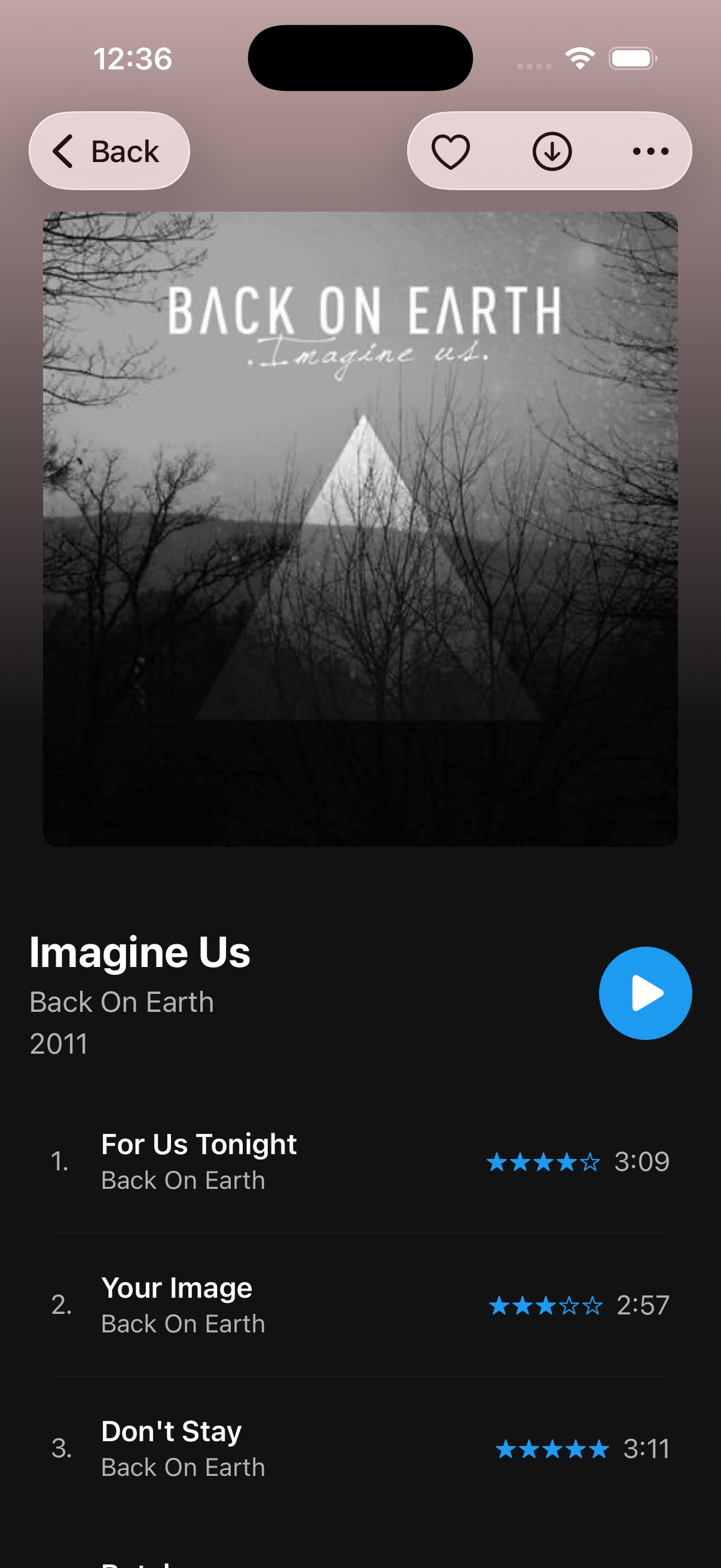
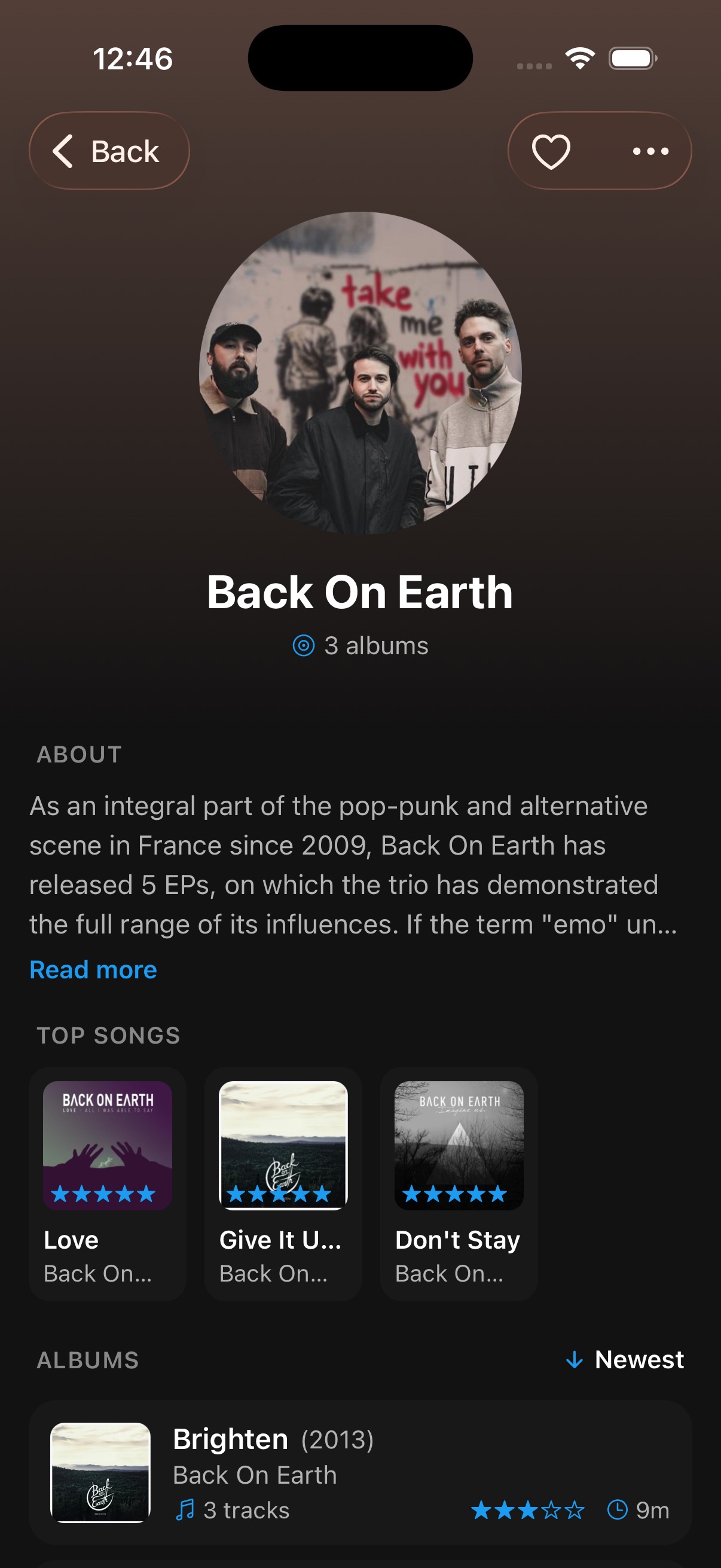
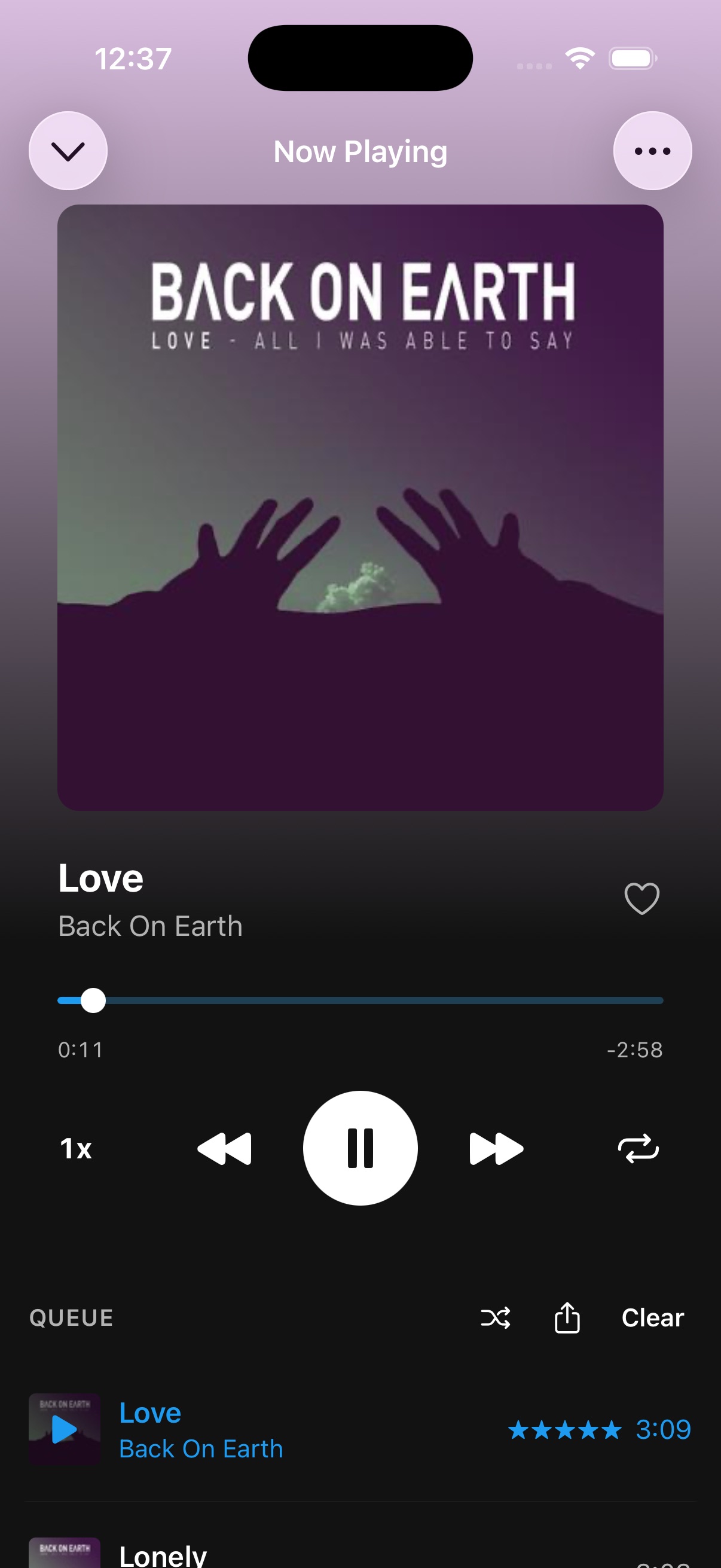
Works with any Subsonic-compatible music server. Features are automatically adjusted based on what each server supports.
Need help configuring your server? SERVERS.md is a living reference for everything that the Subsonic API spec doesn't cover — step-by-step authentication setup for Nextcloud Music and Ampache (where to find the API key, why legacy auth is required), custom transcoding profiles for high-quality audio presets like Opus, ReplayGain, and Car mode with copy-paste-ready ffmpeg commands per server, and client codec compatibility notes for iOS and Android.
Up and running with your own private Spotify alternative in three simple steps.
Install a Subsonic-compatible server to host your music library.
Navidrome install guide →Get the app from the App Store or Google Play — it's free.
Enter your server URL/IP and credentials. That's it — start streaming.
Substreamer is open source under the GPL-3.0 license. Browse the code, report issues, or contribute on GitHub.
Join the conversation and help shape Substreamer.